
Gutsul Made
An online gift shop for Hutsul souvenirs from the Carpathians: embroidered shirts, painted wooden boxes and boards, amulet dolls, ceramics and Carpathian tea.
My role
Designer
- Branding and logo
- Web design
- Responsive design
- Icon set
Branding
Logo
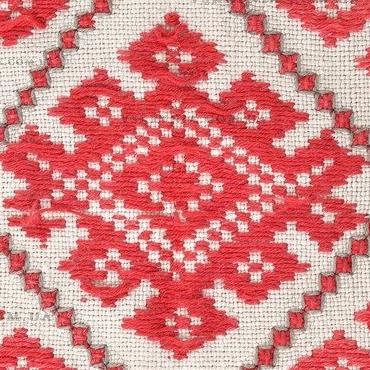
Gutsul Made sells traditional Ukrainian goods, so its logo comes from a traditional ornament, the rhombus with hooks. It is one of the oldest motifs in Ukrainian embroidery. Stitched on shirts and rushnyky, it stands for a sown field and a wish for a good harvest.

Shirt
A traditional Ukrainian vyshyvanka, a linen shirt embroidered by hand, with rows of red rhombuses on the sleeves and hem.
Rhombus
One rhombus picked from the sleeve. It has a small dotted rhombus on top, a dotted centre and hooks curling out on both sides.
Sketch
The first idea, drawn by hand on paper. The rhombus, its dots and the hooks were sketched as simple outlines to see which parts carry the motif and which can go.
On the grid
The motif redrawn stroke by stroke on a square grid turned 45°, in one colour.
Frame
One line closes around the motif and becomes its frame.
Final logo
The final version, approved by the client. Two of these motifs, one turned upside down, joined into one mark.
Home
Main page
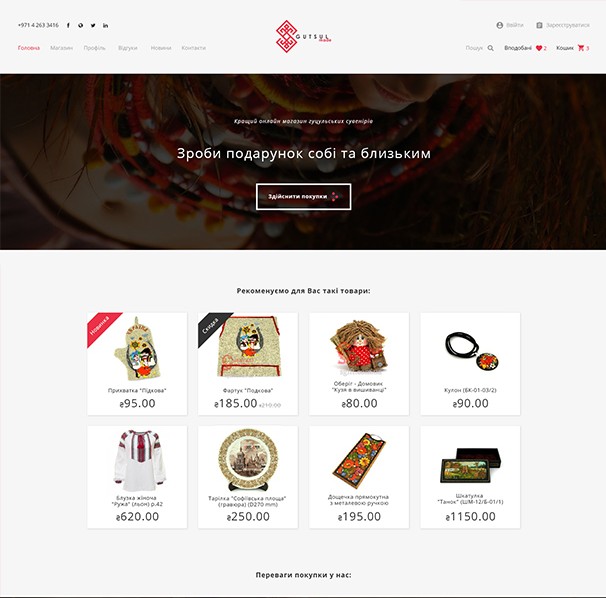
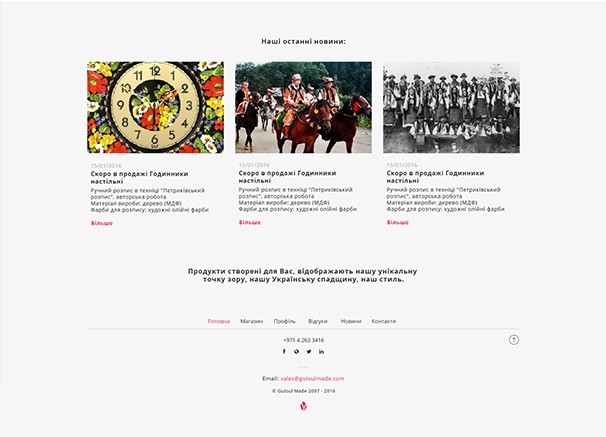
The page opens on a dark photo of a beaded necklace with the store's headline, which asks visitors to make a gift for themselves and their loved ones, and a button to start shopping. Products come right after it, then the reasons to buy here, the latest news and the footer.
- Header. Phone and social links, the logo in the middle, sign in, search, wish list and cart with item counts.
- Recommended products. Eight cards with New and Sale ribbons and the old price crossed out.
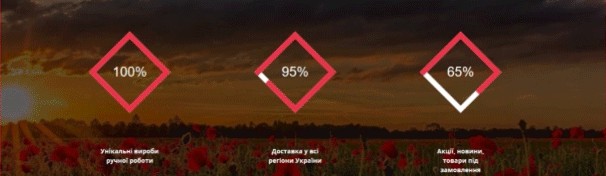
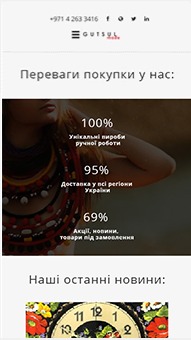
- Counters. Handmade goods, delivery to every region of Ukraine, and offers and goods to order. Each number fills its diamond frame.
Catalog
Categories and filter
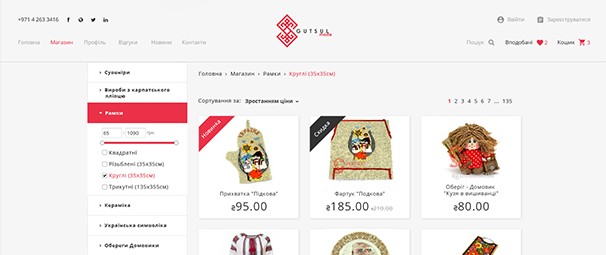
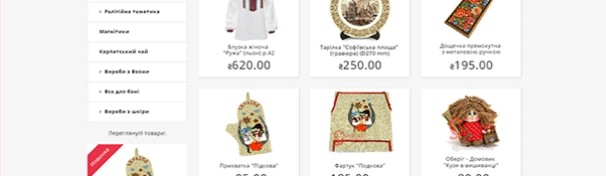
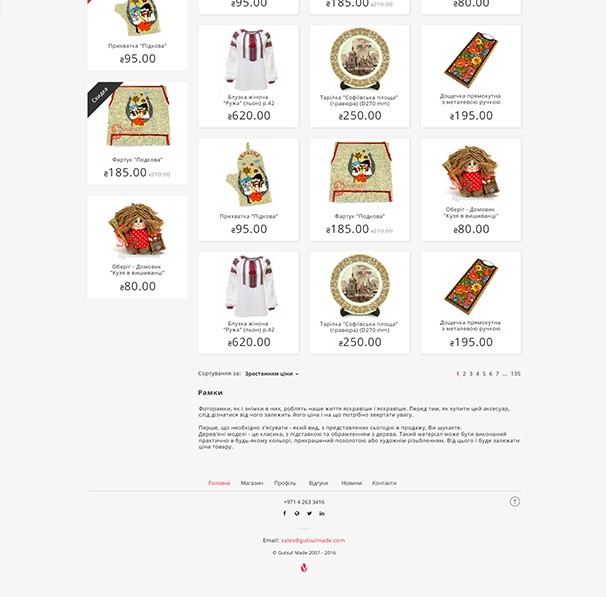
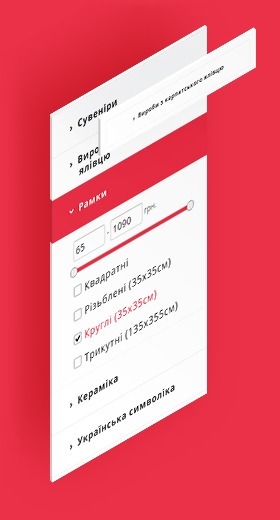
Categories run down a sidebar on the left. The open category turns red and shows its filter. Products sit three to a row, with sorting by price and page numbers above and below the grid, and a short text about the category at the end.
- Categories. Souvenirs, frames, ceramics, Ukrainian symbols, amulets, religious items, magnets, Carpathian tea, wool and leather goods.
- Filter. A price range with a slider and checkboxes for size and shape.
- Recently viewed. The last products the buyer opened, under the sidebar.
Product
Product card
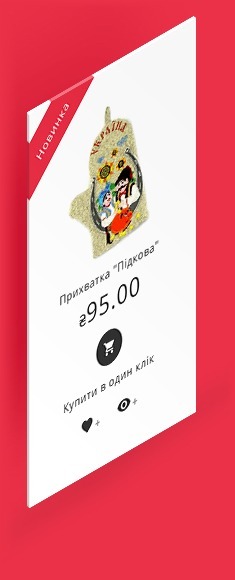
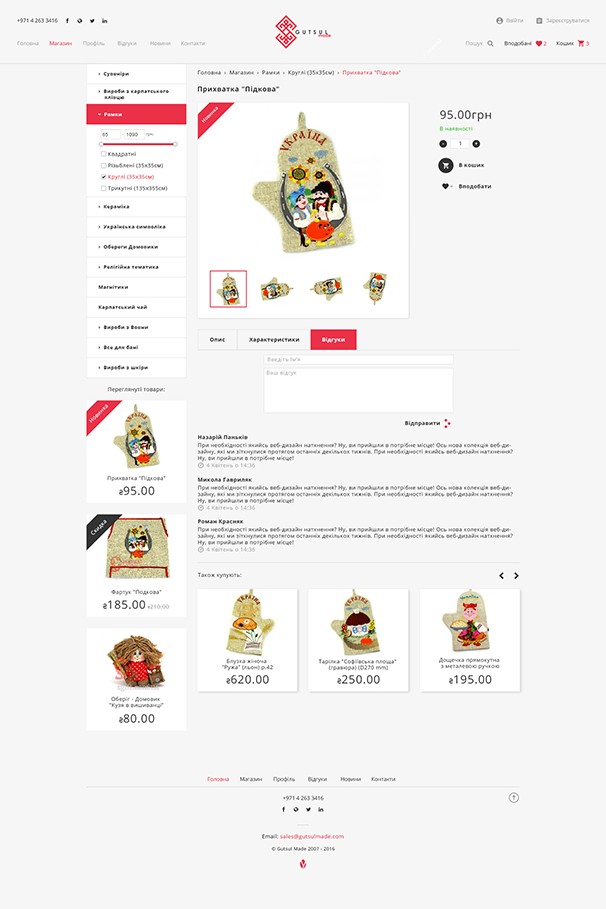
The same card is used on the main page, in the catalog and under the product page. It has the photo, a New or Sale ribbon, the name and price, a round cart button for buying in one click, and icons for the wish list and quick view.
Product page
The page keeps the catalog sidebar, so the buyer can move to another category without going back. Next to the photo and its thumbnails are the price, stock status, quantity, and the cart and wish list buttons. Tabs below hold the description, specifications and reviews, with a form for a new review. Products that other buyers also bought close the page.
Inner pages
Cart, news and contacts
Cart
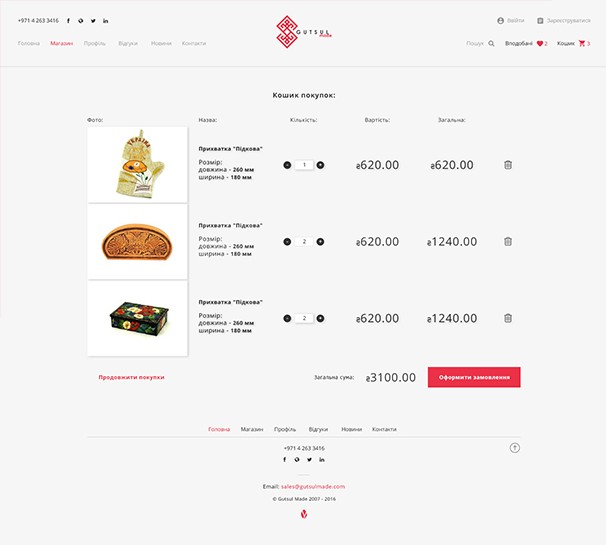
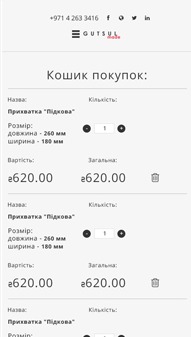
Each item is a row with its photo, name and size, a quantity stepper, the price, the sum and a delete icon. The total and the order button are at the bottom, next to a link back to shopping.
News
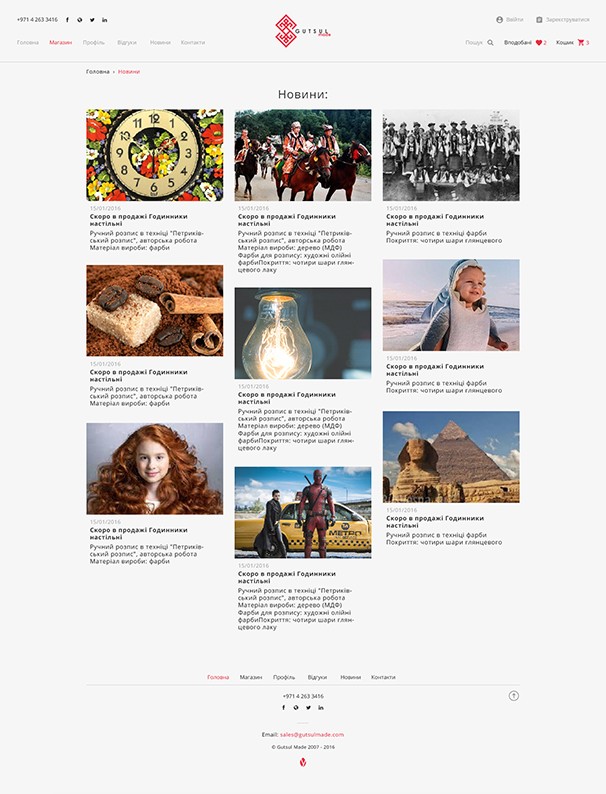
New arrivals and store news in three columns. Each post has a photo, a date, a title and a few lines of text.
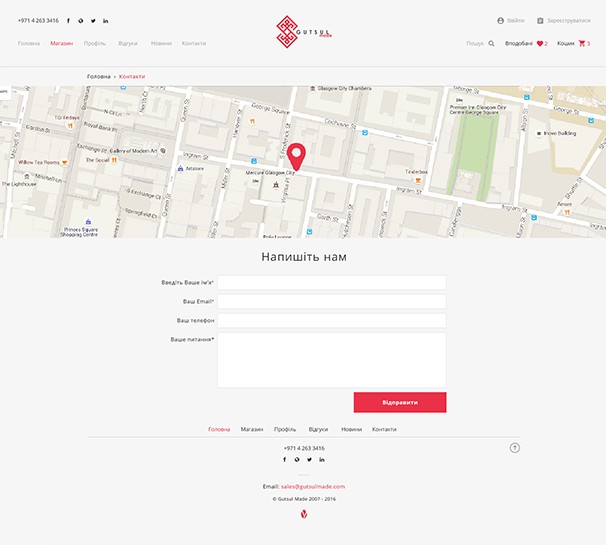
Contacts
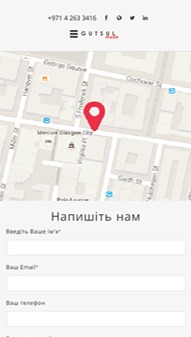
A map with a pin on the store, then a form with name, email, phone and message.
Responsive
Phone layouts
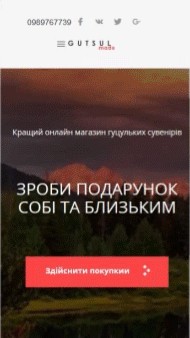
On phones the menu opens from the left as a white panel with the logo, the page links and sign in. The counters drop their frames and stack in one column, and each cart item becomes a block with its size, quantity, price and sum.
Style guide
Icons, type and colours
The store uses one icon set, one typeface and three colours.

Icons
Account, cart, quick view, wish list, orders, menu and search, plus the four dots from the shopping button. Each icon comes in red and in dark grey.
Open Sans
Regular & Bold
Type
Open Sans in two weights: Regular for text, Bold for product names, prices and buttons.
- Red
#EB3148 - Dark grey
#333333 - Grey
#A6A6A6
Colours
Red for the logo, the active menu item, New ribbons and order buttons. Dark grey for text, Sale ribbons and the cart button. Grey for secondary text and old prices.